Experiment with OAIBOX
Prerequisites
You have a Slices account
You have successfully followed the previous tutorials
You have a good understanding of the 5G architecture and protocols
Experiment
In this tutorial we will use an OAIBOX to run 5G experiments. An ORAN-complaint 5G end-to-end testing solution is available at University of Oulu. It comprises an OAIBOX (with CU-DU split architecture), a Benetel radio unit, and a 5G UE Quectel RM520.
Technical Specifications:
Freq Band: n77 (3.8-3.9 GHz)
Bandwidth: 40, 60, 80 or 100 MHz
Radio Unit: Benetel RAN650
MIMO: 4*4
FlexRIC: RAN control via xAPPS, Telemetry for monitoring the KPIs
Architecture: Allbesmart OAIBOX O-RAN with CU/DU split
UE: Quectel RM520
The OAIBOX allows us to interact with and access various 5G components in real-time. By doing so, you’ll be able to observe and analyze the impact of radio configuration changes on key metrics such as RSSI, SINR, BLER, and throughput.
The objective of this exercise is to familiarize you with the usage of OAIBOX and publishing your results to the MRS.
Access to an OAIBOX
The University of Oulu testbed can be accessed through a dashboard at https://my.oaibox.com
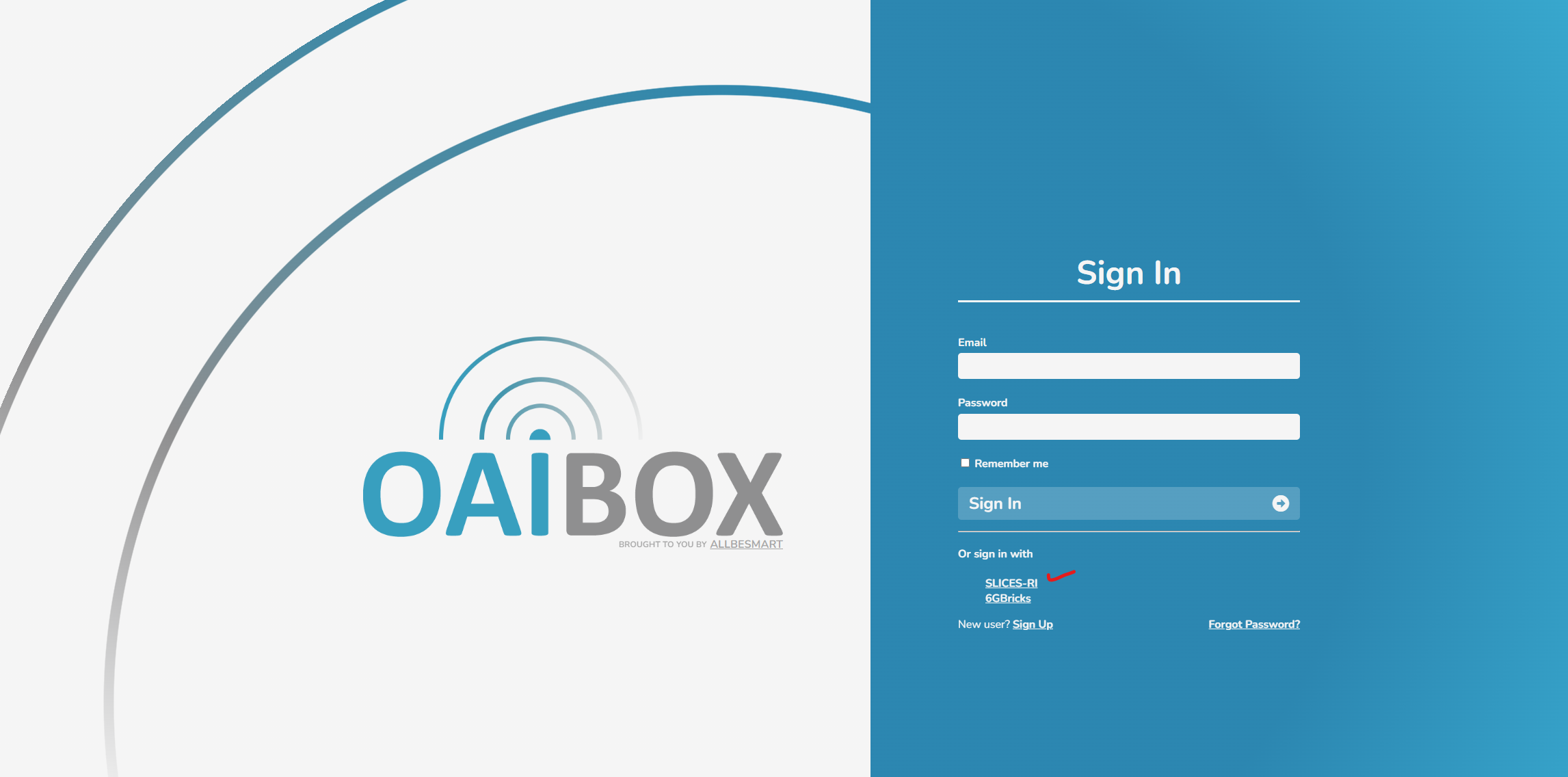
After navigation to the dashboard select the sign-in with “SLICES-RI” option.
Select the project “uoulu-5gtn-ri”
Once logged in you will have access to configure and control the system.
You can start/stop network components: CN5G, FlexRIC, O-CU and O-DU.
Bandwidth, TDD slot configuration, MCS and MIMO configuration can be modified.
Workflow
To operate the testbed at University of Oulu:
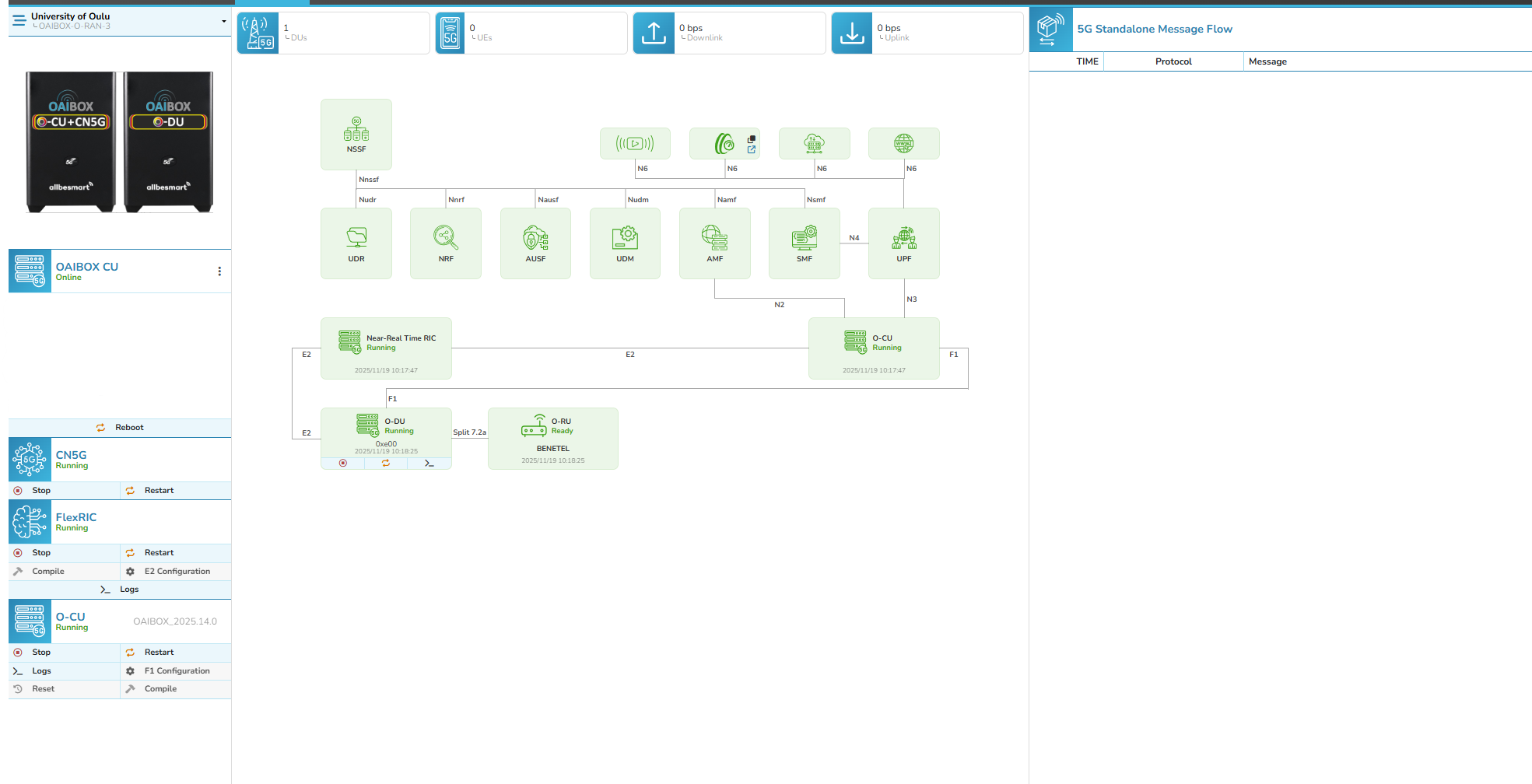
Login to the testbed as mentioned in above section.
Start the 5G Core Network (5GC) and wait until all network function are running.
Launch the FlexRIC RIC, followed by CU and DU.
You may adjust the parameters such as MIMO layers, TDD slots configuration, MCS and bandwidth.
There is an integrated iperf tool which can be used to generate UL/DL traffic. This can be done by clicking on the OAI-EXT-DN block and setting the desired bandwidth (e.g., 100 Mbps or 200 Mbps). You can initiate the test by clicking on the start button.
The attached UE is interactive, by clicking on it user can observe live telemetry data.
Retrieve experimental results and publish them to the MRS
For now, you can manually download the telemetries after the experiment by selecting the Near-Real-Time RIC block and exporting the telemetry files. Ongoing work aims to enable data publishing to the MRS in the near future.